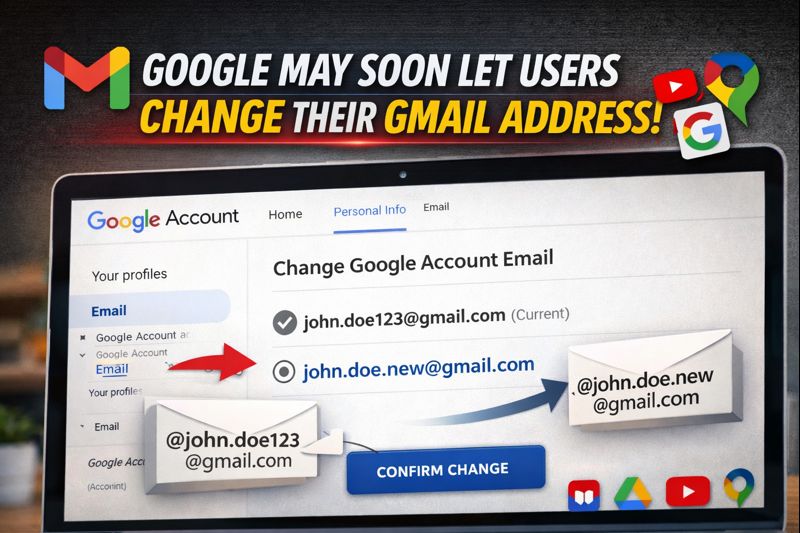
For years, a Gmail address has been treated like a digital fingerprint — once created, it stayed with you forever. But that long-standing rule may finally be changing. A newly surfaced support page from Google suggests that users may soon be able to change their Gmail username while keeping the same account.
The feature is still rolling out quietly, but its appearance in both Hindi and English support documentation strongly indicates that this isn’t an accidental leak — it’s a planned update.
What’s Changing With Gmail Addresses
Until now, Google only allowed users to change their account email if they originally signed up using a non-Gmail address. Gmail usernames themselves were considered permanent.
That may no longer be the case.
According to Google’s updated support page, users will soon be able to switch their Google Account email from one @gmail.com address to another @gmail.com address. Once the change is complete, the old Gmail address won’t disappear — it will continue working as an alternate email, meaning messages sent to both addresses will still reach you.
What Stays the Same
Google is making it clear that this is only a username-level change, not a new account. That means:
- Your emails, photos, files, messages, and subscriptions remain untouched
- Google services like Gmail, Maps, YouTube, Play Store, and Drive will work with both old and new addresses
- You’ll be able to revert to your original Gmail address at any time
However, there’s a catch. After switching, users won’t be allowed to create a new Gmail account for one year, likely to prevent misuse or mass username swapping.
How to Check If the Feature Is Live for You
If you want to see whether your account already has access, Google says you can check manually:
- Open myaccount.google.com/google-account-email on a desktop browser
- Sign in to your Google account
- Go to Personal info
- Click Email → Google Account email
- Look for the “Change Google Account email” option
If you don’t see it, the feature simply hasn’t reached your account yet.
Small Glitches to Expect
Google also warns that some minor settings may reset after changing your Gmail username. This could include:
- App preferences resetting to default
- Gmail switching back to its default theme
The good news is that all of this can be re-customised once the change is complete.
Still Rolling Out, Not Universal Yet
The ability to change a Gmail username is not available to everyone yet. Google is rolling it out gradually, meaning some users may see the option weeks — or even months — before others.
For millions who created a Gmail address years ago and have since outgrown it, this could be one of the most quietly significant Gmail updates in a decade.
Final Words
Gmail has always been about permanence — and that’s exactly what made changing usernames impossible for so long. If this rollout expands globally, it could finally give users the freedom to update their online identity without starting from scratch. For now, it’s a waiting game — but a promising one.